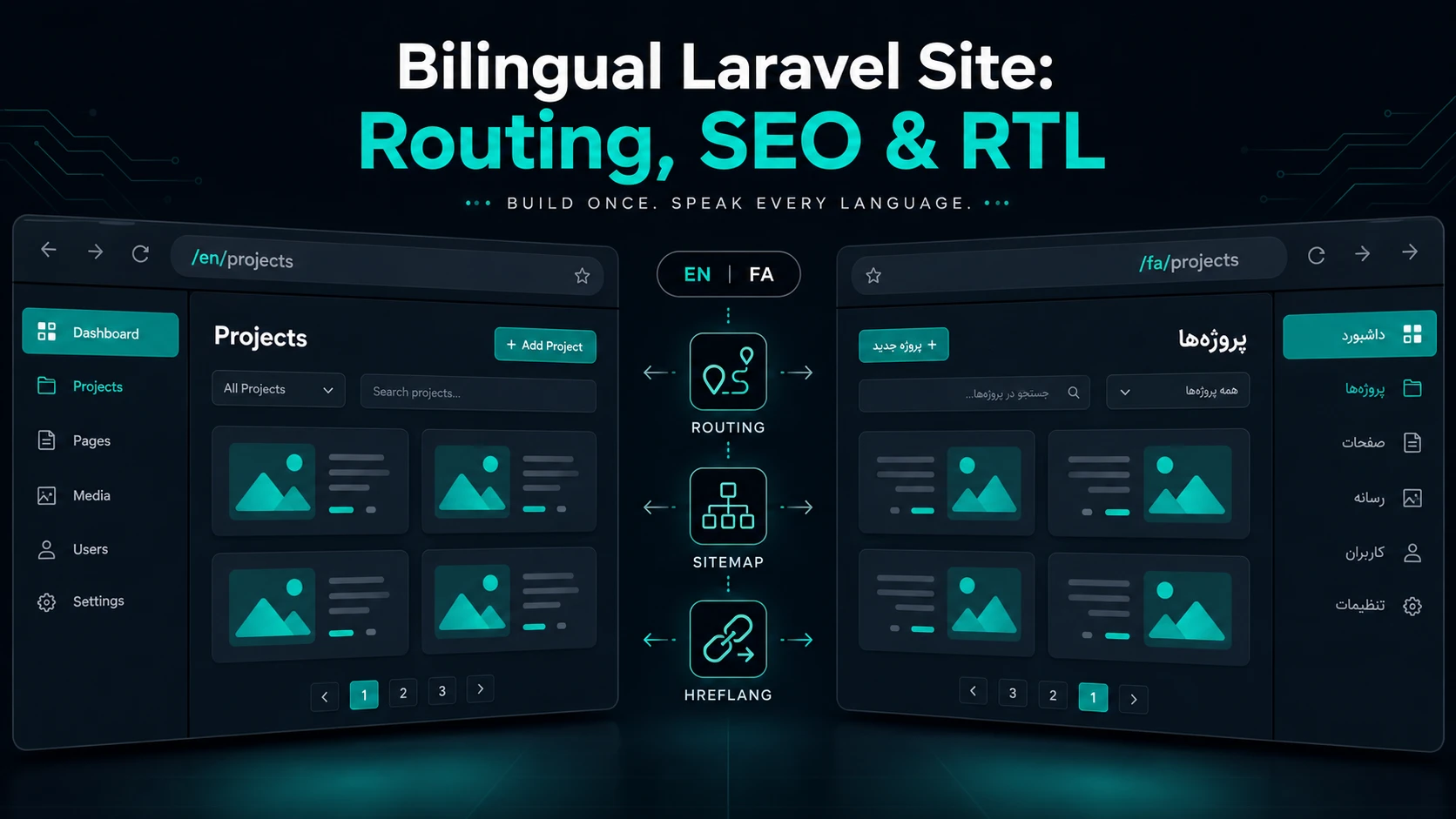
Building a bilingual Laravel application is not just about translating interface strings. A production-ready multilingual website requires a solid architecture for routing, content storage, SEO, and user experience.
When Persian and English audiences share the same platform, developers must deal with challenges such as localized URLs, RTL layouts, hreflang tags, translated metadata, and content management workflows.
In this guide, I'll walk through the exact architecture I use in production Laravel and Livewire projects to build scalable Persian–English websites without maintaining separate codebases.
Locale-first Routing
// routes/web.php

Route::prefix('{locale}')
    ->where(['locale' => 'en|fa'])
    ->middleware('setLocale')
    ->group(function () {

        Route::get('/projects', ProjectsPage::class)
            ->name('projects.index');

        Route::get('/blog/{slug}', BlogPostPage::class)
            ->name('blog.show');
    });
Using locale prefixes such as /en/projects and /fa/projects creates predictable, shareable, and search-engine-friendly URLs.
Keeping the active locale inside the URL ensures that every page can be bookmarked, indexed, and shared independently.
Storing locale only inside the session prevents search engines from discovering translated pages prope
Middleware Example:
class SetLocale
{
    public function handle($request, Closure $next)
    {
        $locale = $request->segment(1);

        if (! in_array($locale, ['en', 'fa'])) {
            $locale = config('app.fallback_locale');
        }

        app()->setLocale($locale);

        return $next($request);
    }
}
Migration Example:
Schema::create('project_translations', function (Blueprint $table) {

    $table->id();

    $table->foreignId('project_id')
          ->constrained()
          ->cascadeOnDelete();

    $table->string('locale', 2);

    $table->string('title');

    $table->text('excerpt')->nullable();

    $table->longText('body');

    $table->timestamps();

    $table->unique(['project_id', 'locale']);
});
A dedicated translation table scales significantly better than JSON columns when your content team grows.
It also enables:
- validation before publishing
- language-specific search
- independent SEO metadata
- easier administration panels
Eloquent Relationships & Fallback Strategy
public function translations()
{
    return $this->hasMany(ProjectTranslation::class);
}

public function translation()
{
    return $this->hasOne(ProjectTranslation::class)
        ->where('locale', app()->getLocale());
}
Fallback Example:
public function currentTranslation()
{
    return $this->translations()
        ->where('locale', app()->getLocale())
        ->first()

        ?? $this->translations()
            ->where('locale', 'en')
            ->first();
}
SEO for Multilingual Laravel Applications
Search engines must understand that /fa/about and /en/about are equivalent pages written for different audiences.
Without proper multilingual SEO implementation, Google may consider localized pages duplicate content.
hreflang Example
<link rel="alternate"
      hreflang="en"
      href="https://example.com/en/about">

<link rel="alternate"
      hreflang="fa"
      href="https://example.com/fa/about">

<link rel="alternate"
      hreflang="x-default"
      href="https://example.com/en/about">
Canonical Example:
<link rel="canonical"
      href="{{ url()->current() }}">
Checklist Widget
- Generate separate URLs for each language.
- Create localized XML sitemaps.
- Use hreflang tags on every translated page.
- Store SEO title and description per locale.
- Translate Open Graph metadata.
- Avoid automatic machine translations.
Generating Localized Sitemaps
foreach ($posts as $post) {

    foreach (['en', 'fa'] as $locale) {

        $urls[] = url("/{$locale}/blog/{$post->slug}");
    }
}
RTL Support Without Maintaining Two Stylesheets
Supporting Persian requires more than adding dir="rtl".
Components such as sliders, dropdown menus, animations, carousels, code snippets, tables, and charts frequently need special handling.
Tailwind CSS logical utilities dramatically reduce maintenance costs.
Tailwind Example::
<div class="ps-6 pe-6 ms-auto">
    ...
</div>
Bad Example :
<div class="pl-6 pr-6 ml-auto">Good Example :
<div class="ps-6 pe-6 ms-auto">Common Pitfalls
Common mistakes developers make:
- Using session-only locales.
- Translating admin URLs.
- Machine-translating all content.
- Forgetting hreflang tags.
- Storing everything inside JSON columns.
- Ignoring RTL during QA.
- Using different slugs per language without redirects.
Final Thoughts
Building a bilingual Laravel application requires careful planning from day one.
Start with URL architecture, translation storage, and SEO foundations before polishing animations or visual details.
A well-architected multilingual Laravel platform not only improves maintainability, but also increases visibility in search engines and creates a significantly better experience for both local and international audiences.