Overview
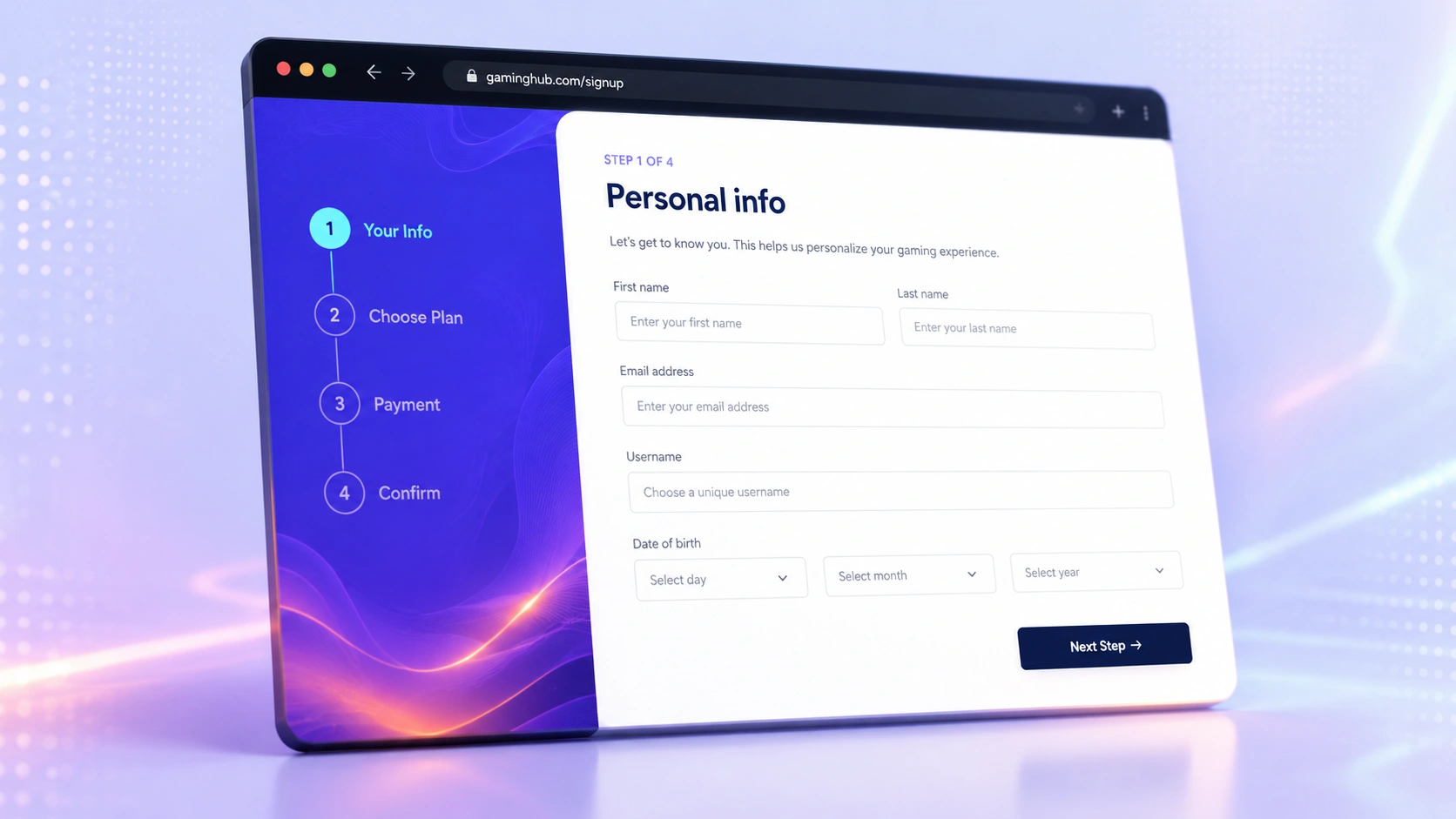
This project is a solution to the Frontend Mentor multi-step form challenge (advanced level). The UI walks users through personal info, plan selection, optional add-ons, and a confirmation summary before a thank-you state. The design includes a sidebar progress indicator on desktop and a compact step bar on mobile, matching the provided style guide and JPG layouts.
The Challenge
The brief required more than static markup: step-to-step navigation with preserved data, validation on empty fields and invalid email, blocking progress when no plan is selected, live price updates when switching between monthly and yearly billing, and a summary that stays accurate if the user goes back and changes selections. All of this had to work without a framework, with hover/focus states and responsive layouts from 375px upward.
Approach
Structured the markup semantically with one section per step and toggled visibility instead of rebuilding the DOM. Centralized form data in a single JavaScript state object while keeping inputs in the page so going back naturally restores values. Validation runs on Next; pricing helpers update plan and add-on labels when the billing toggle changes; the summary step recalculates totals before confirm.
Architecture
Plain HTML/CSS/JS with CSS custom properties from the Frontend Mentor style guide, mobile-first media queries, and flexbox for the shell layout. No build step — deployed as static files on GitHub Pages. Fonts loaded from Google Fonts (Ubuntu); icons and sidebar backgrounds from the challenge asset pack.
Trade-offs
Vanilla JS keeps the bundle zero-dependency and easy to host, but step logic lives in one script rather than components. Show/hide steps is simpler than routing for five screens, though it means all step HTML ships on first load (acceptable for this form size).
Results
All challenge user stories covered: full step flow, back navigation, dynamic summary, responsive layouts, validation messages, and interactive states. Live demo on GitHub Pages; source public on GitHub for portfolio and Frontend Mentor submission.
Key Learnings
Even a small form benefits from deciding state ownership early — mixing DOM reads and a state object without rules gets messy fast. Mobile layout for overlapping sidebar and card took more iteration than the JavaScript flow. For portfolio work, matching design details (step indicators, error states) matters as much as getting the logic right.